Google Assistant
Access supported Transit Mate information through Google Assistant functionality.
“Hey Google, when is the next train to London?”
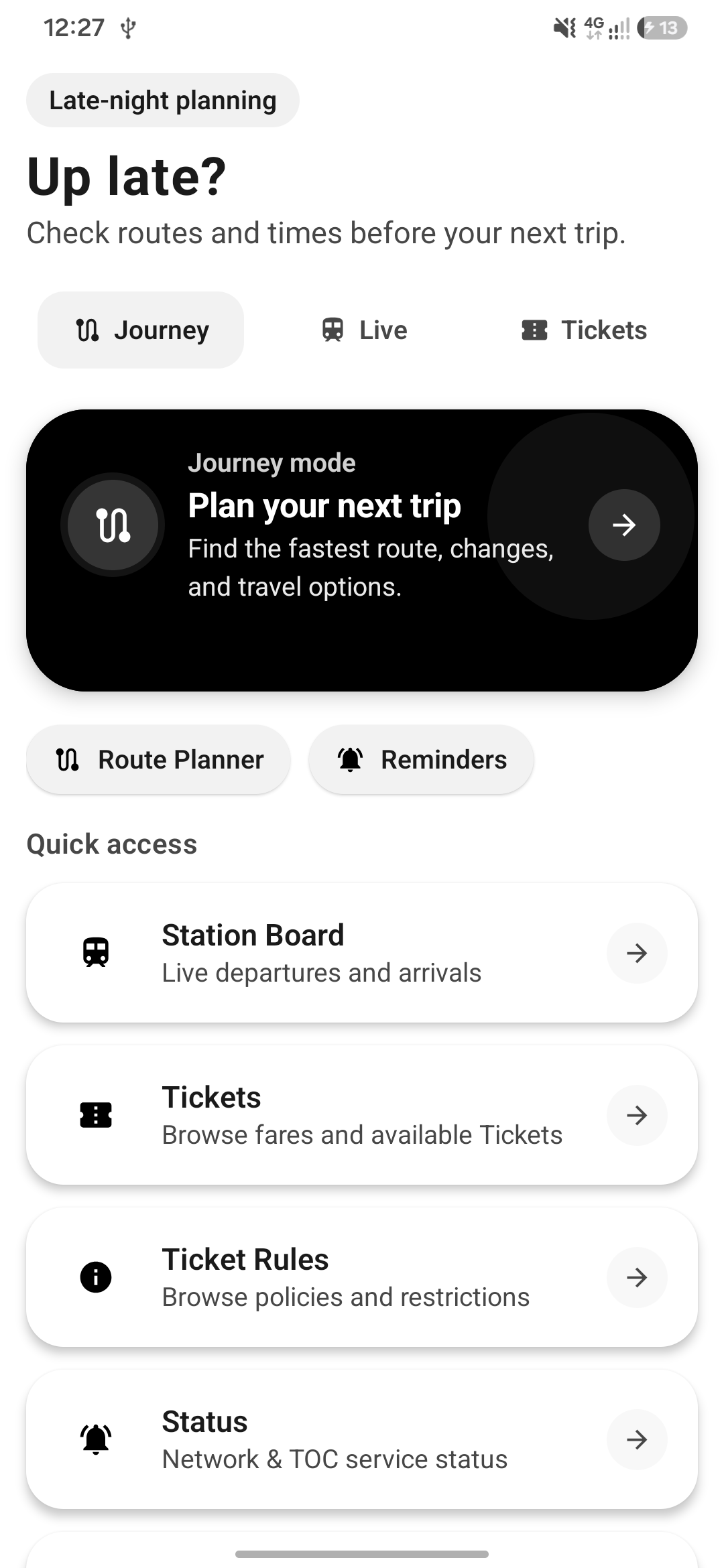
UK rail, made clearer
Real-time departures, intelligent journey planning, live train tracking, and personalised commuting tools, all in one Android app.
A focused companion for journeys across the UK National Rail network.
01 / The essentials
Less time figuring out the railway. More time getting where you need to be.
Live departures
Check live departures and arrivals for UK stations, including platform information, delays, service changes and cancellations.
See it in action ↗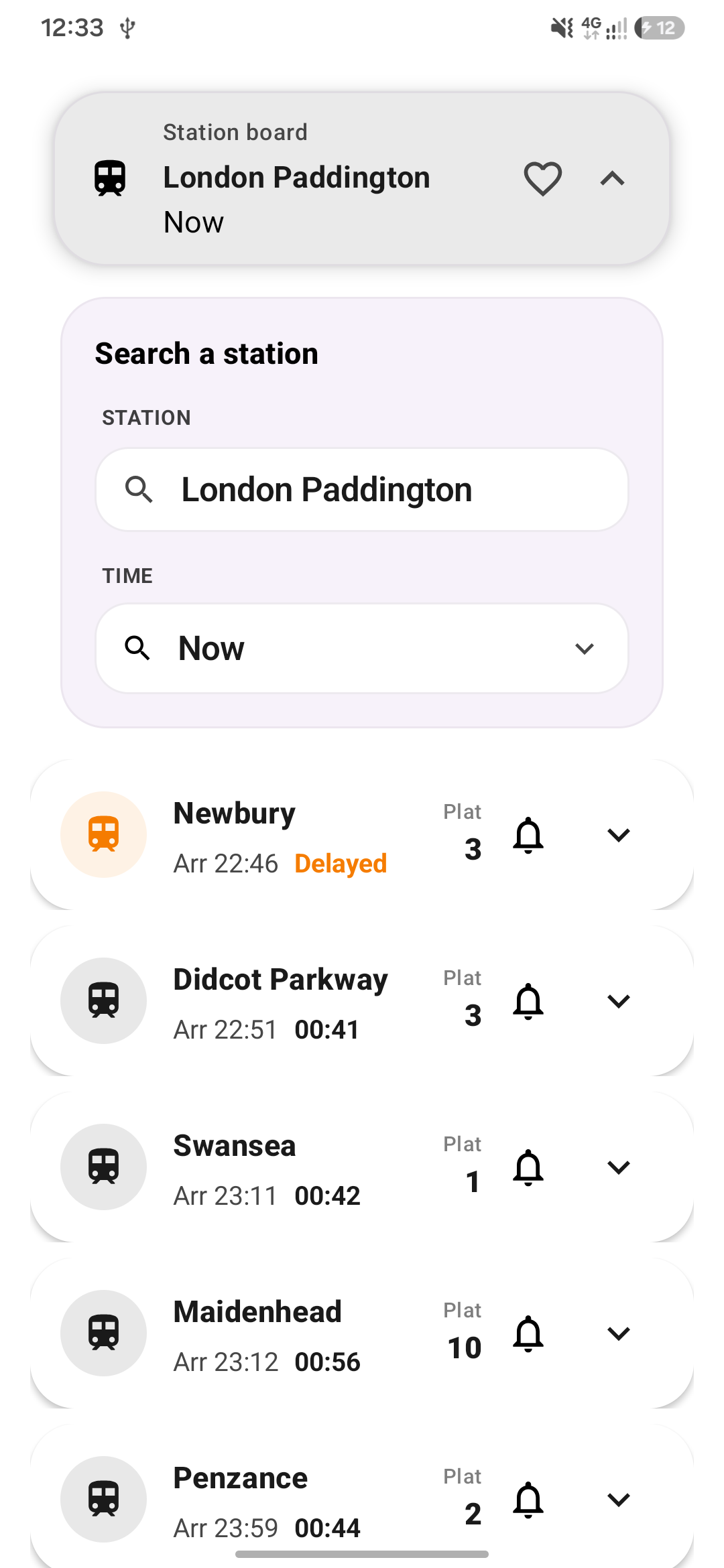
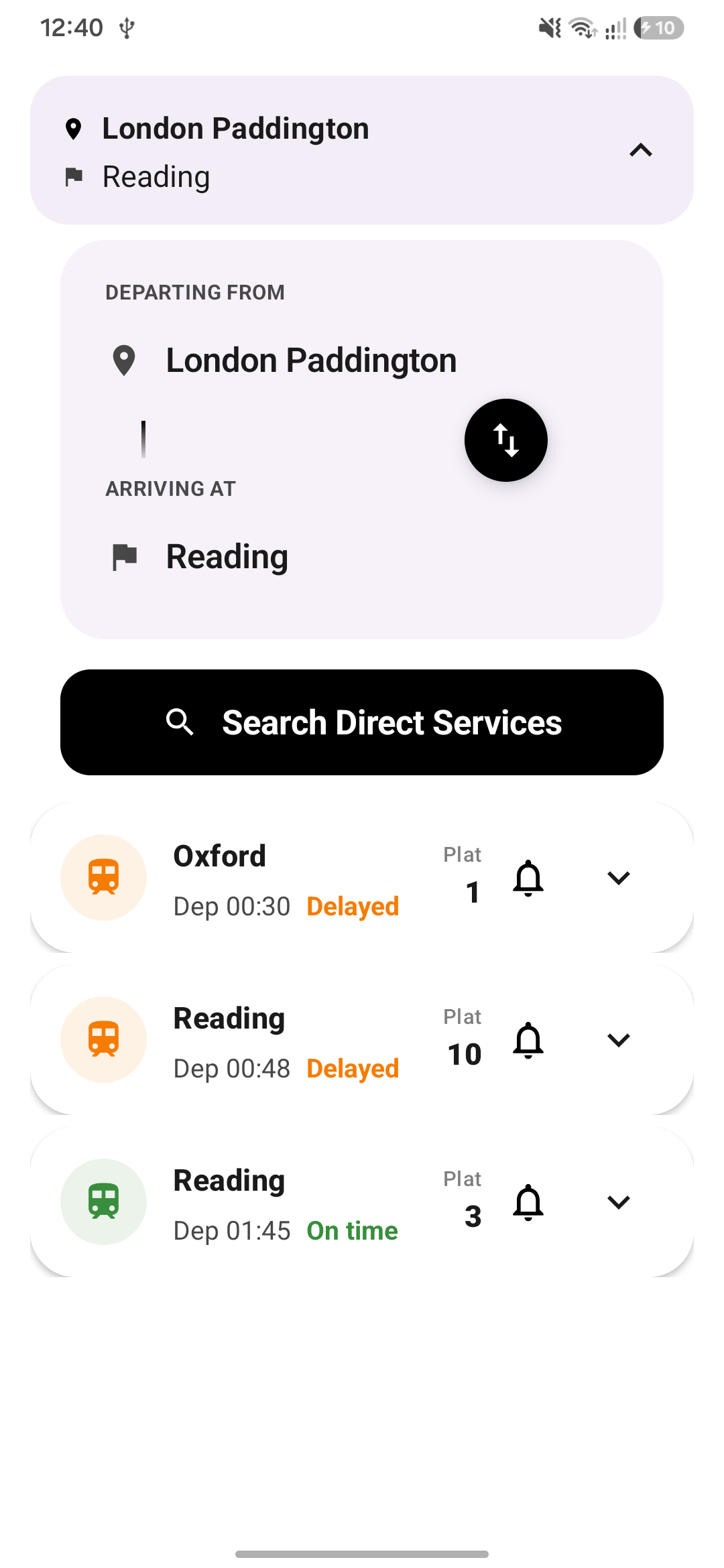
Journey planner
Plan routes between UK stations and see changes, journey times and service operators before you travel.
Explore planning ↗Live train map
Visualise train services and journey progress on an interactive map, so the railway feels easier to follow.
Explore the map ↗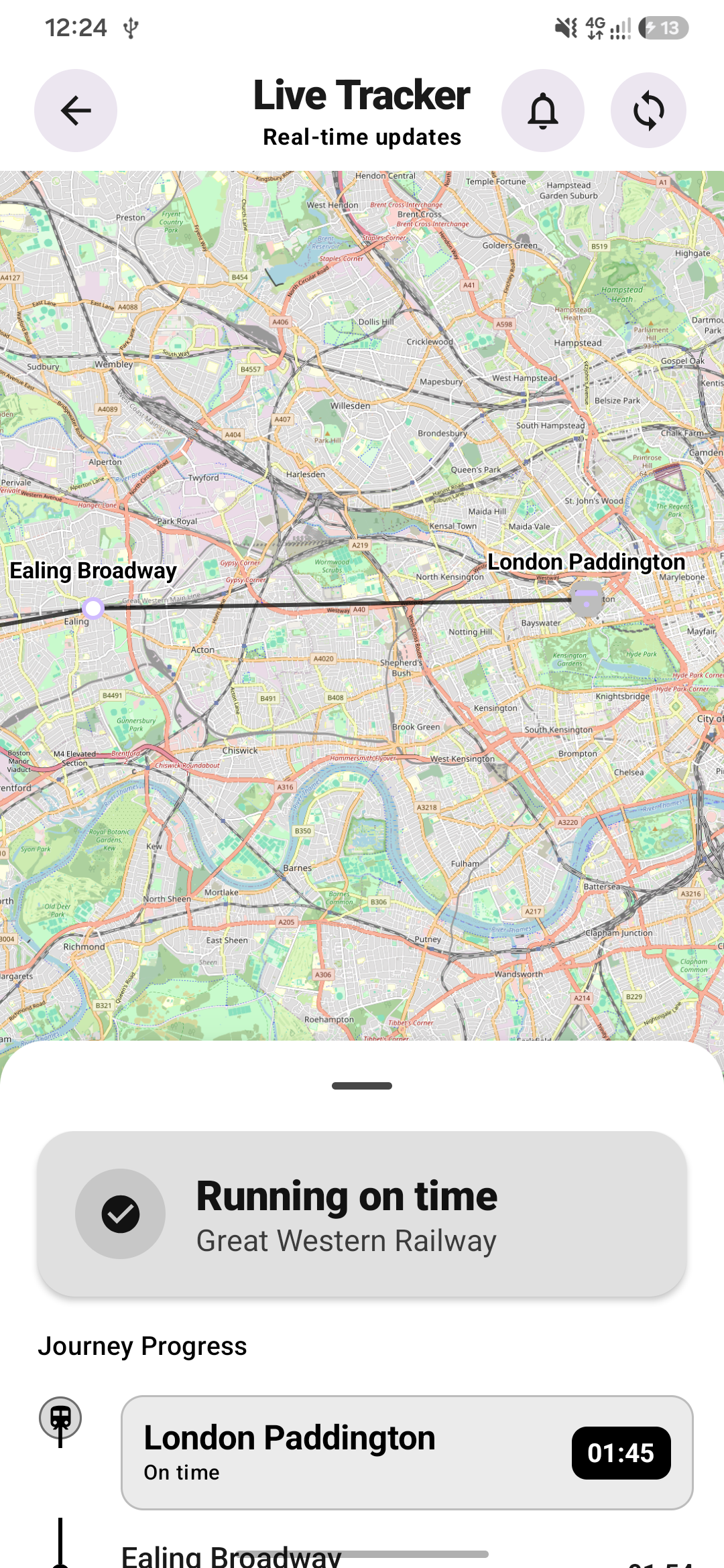
02 / Your routine
Keep the places and routes that matter close at hand, every day.
One-tap access to your journey home.
Quickly find your usual commute.
Keep your most-used stations close at hand.
03 / Made for Android
Transit Mate fits into the shortcuts, widgets and assistant features that make Android feel personal.
Access supported Transit Mate information through Google Assistant functionality.
“Hey Google, when is the next train to London?”
Jump quickly into the parts of the app you use most: Live Departures and Search.
Keep live boards, journey reminders and important travel information in view.
04 / Stay on time
Configure reminders and alarms for specific services, so you can leave with enough time to make your connection.
05 / Before you travel
Transit Mate provides information about ticket types and restrictions, including Off-Peak, Advance and other available fare information.
Common questions ↗06 / Simple by design
Choose a station or destination.
Compare available services and journey options.
Follow your journey with live information and reminders.
07 / A closer look
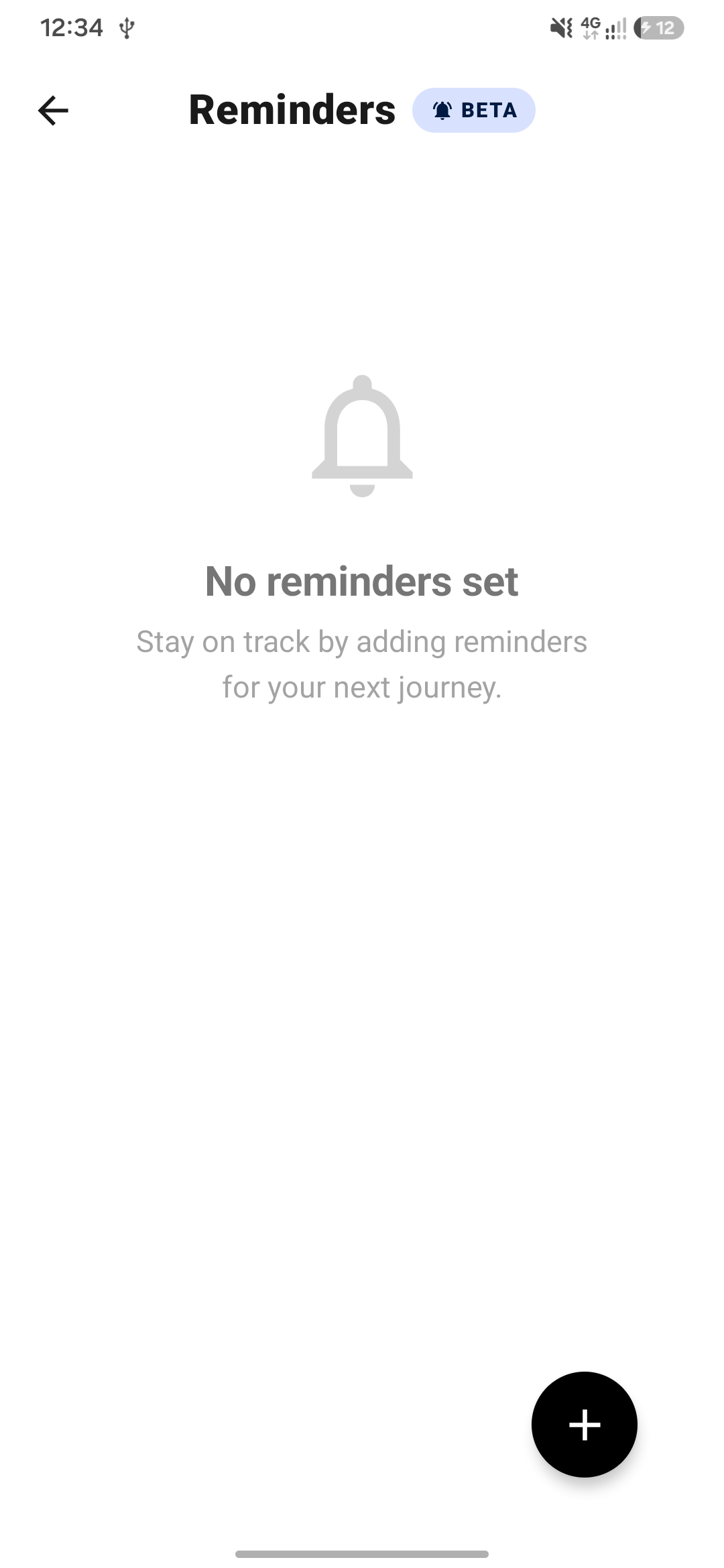
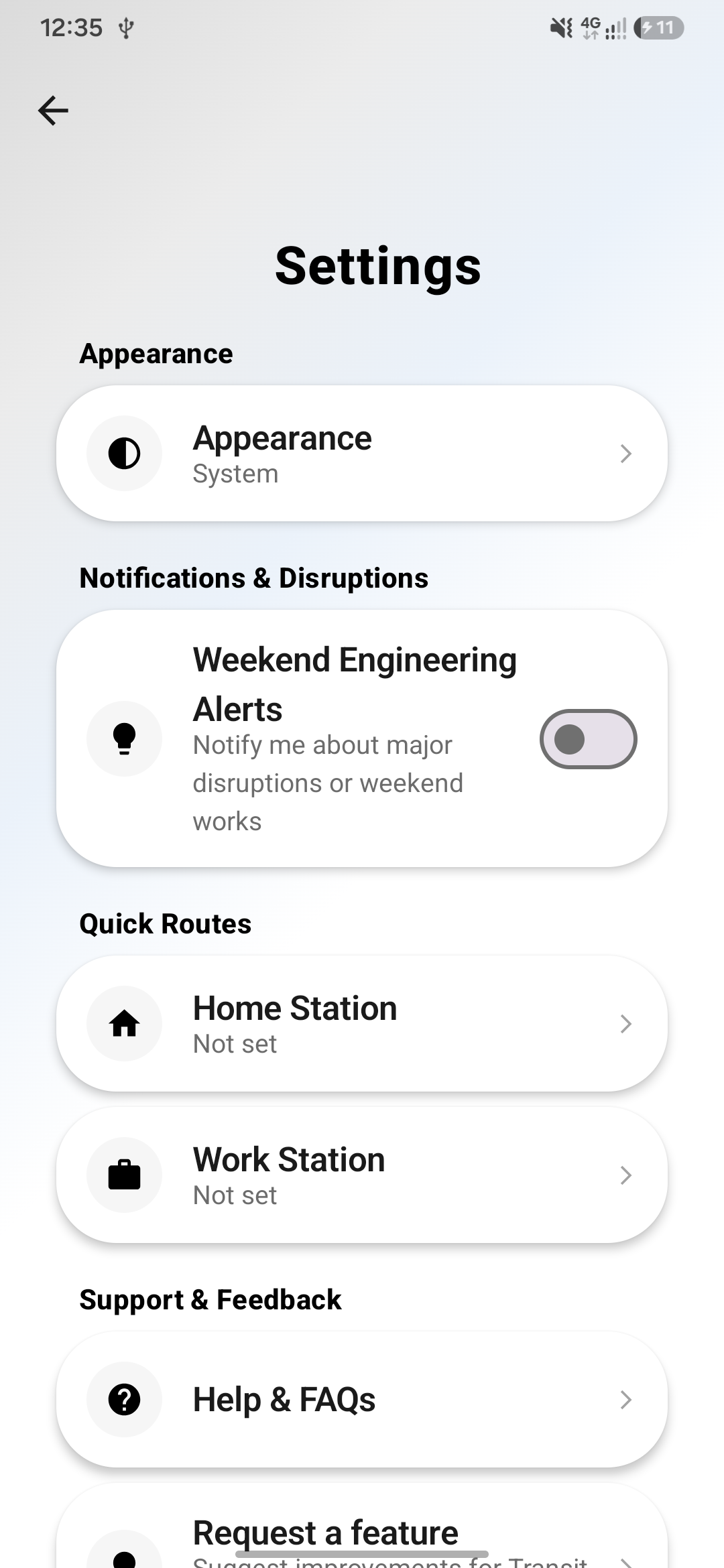
Real app screenshots can be added to these prepared showcase slots.
08 / Help centre
Answers to common questions about using Transit Mate.
Use the search screen to enter your departure station. As you type, the app will suggest official stations to ensure your search is accurate.
It shows direct train services between two stations. You must select valid stations from the suggestions to see available departures.
Yes, when you open the app for the first time, you'll see an interactive guide. You can also re-watch it from the settings.
Navigate to 'Reminders' from the home screen, tap the '+' button, select your route and service, and choose when you want to be alerted.
To ensure you are alerted at the precise moment before your train leaves, the app needs permission to schedule exact alarms.
Yes. When adding a reminder, you can choose to be alerted 5, 10, 15, or even 60 minutes before departure.
Train times and status updates refresh frequently so you can see the latest departure, arrival, and delay information.
Not all stations provide platform details at all times. If it's unavailable, it means the station hasn't shared it yet.
Yes. Simply swipe down on the screen to manually refresh the latest train information.
This feature is planned for a future update. For now, you can use the recent search history to quickly find common stations.
It's a feature that tracks your upcoming train and notifies you before it departs, so you never miss your connection.
Yes. The app follows your device theme automatically, and you can also customise it in settings.
Absolutely. Transit Mate is designed to adapt its layout to phones, tablets, and foldable devices.
The app intelligently reorganises its UI components, like the multi-column reminder grid, based on your screen size.
You can change the theme in the Settings screen. Choose between Light, Dark, or System default to match your preference.
On supported devices running Android 12 or later, Dynamic Color tints the app using colours from your wallpaper for a more personalised look.
Tap the 'Settings' icon on the home screen and look for the 'Theme' section to adjust these options.
Please check your internet connection. If the issue persists, the train data provider might be undergoing maintenance.
Check if Notifications and Exact Alarms permissions are granted in your device settings for Transit Mate.
You can use the 'Send Feedback' button to share any issues, bug reports, or feature suggestions with us.
No. You can use all core features without signing in.
No. The app does not track or store your location.
Transit Mate does not require personal information and does not store unnecessary data.
Ready when you are
Take Transit Mate with you on your next trip across the UK.